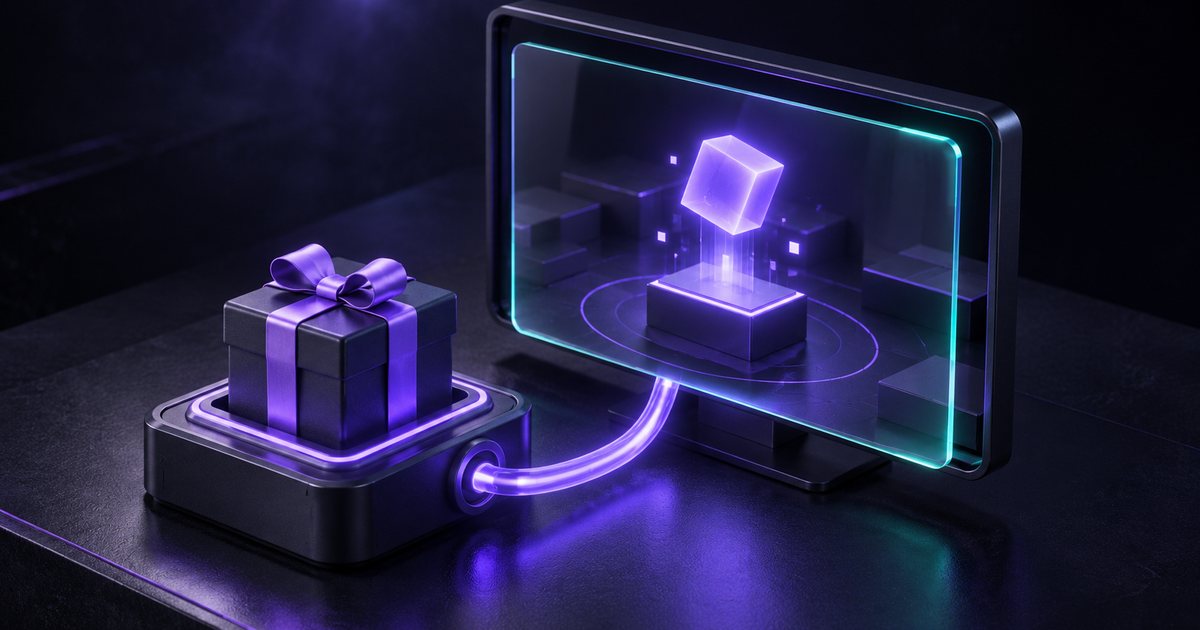
Gift-to-action overlays are increasingly popular among TikTok LIVE streamers as they provide a dynamic way to engage with audiences. These overlays allow streamers to visually represent viewer interactions, particularly through gifts sent during live broadcasts. The mechanism behind these overlays involves several technical components that work together to create real-time alerts and animations on screen.
Technical Mechanisms Behind Gift-to-Action Overlays
A typical setup for a gift-to-action overlay involves running a small server that connects to a TikTok LIVE stream. This server is responsible for forwarding events to an overlay in real time, often utilizing server-sent events to ensure timely updates. When a gift is received, the server emits an event that includes the sender's name, the type of gift, and its diamond value. This information triggers the overlay to display an animated alert that automatically dismisses after a brief period.
Integration with Streaming Software
To implement a gift-to-action overlay, streamers typically add the overlay as a browser source in their streaming software, such as OBS or Streamlabs. This involves pointing the browser source to a local URL where the server is running. The same approach can be used across various streaming platforms that support browser sources, allowing for flexibility in setup. Since TikTok does not provide a public official API for live events, the underlying data for these overlays is derived from the same real-time LIVE events that viewers experience, ensuring that streamers can interact with their audience based on the same information.
The integration of gift-to-action overlays into live streams represents a growing trend in audience engagement, allowing streamers to create a more interactive experience.
- Real-time alerts for gifts enhance viewer engagement.
- Streamers can customize animations based on gift types.
- The lack of an official TikTok API necessitates creative solutions.