
Video tutorials
Reactor video guides for TikTok LIVE
Set up Reactor, put the overlay in OBS or TikTok LIVE Studio, build rules, add goals and top supporters, and read chat out loud.
7 videos
 0:34Step 1
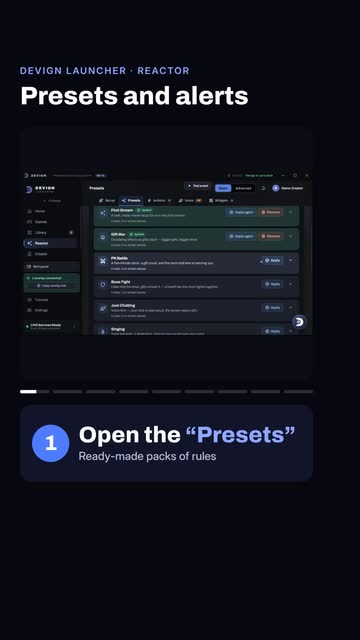
Reactor presets and test alerts for TikTok LIVE
Open the Presets tab, pick a pack such as PK Battle and press Apply, then use Test event to try a gift or a follow. Test events never reach TikTok.
 0:28Step 2
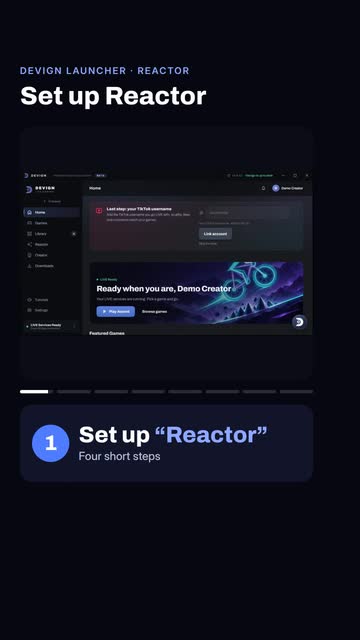
How to set up Reactor for your TikTok LIVE
Click Reactor in the launcher sidebar, press Set up first, choose your stream kind, keep the switches you want and press Set up my stream. Four rules are ready.
 0:30Step 3
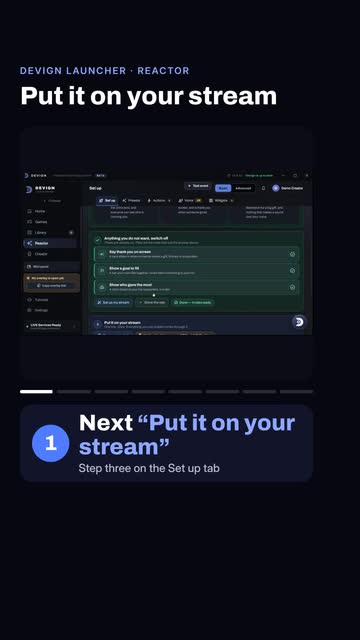
How to add Reactor to OBS or TikTok LIVE Studio
Press Copy overlay link, add a Browser source in OBS or LIVE Studio, paste the link and set the size to 1080 by 1920. When the box turns green, press Test a gift. Keep the launcher open.
 0:31Step 4
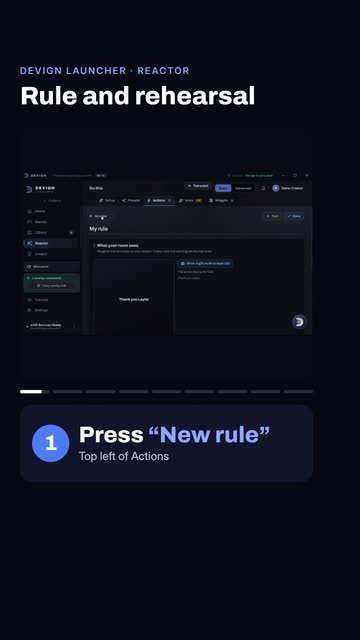
How to build your first Reactor rule and rehearse
On Actions press New rule, add an effect such as Celebrate, test it and save it. Then press Rehearse for a 90-second run with invented viewers. Nothing reaches TikTok.
 0:27Step 5
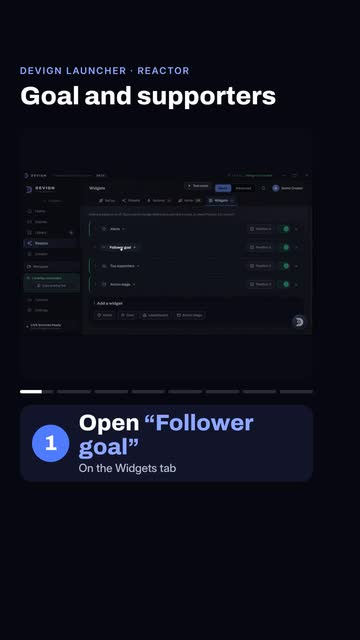
How to add a follower goal and a top-supporters board
Open Follower goal under Widgets and type a small target, then use Test event to send a follow or a gift and watch the goal bar and the Top supporters board update.
 0:35Step 6
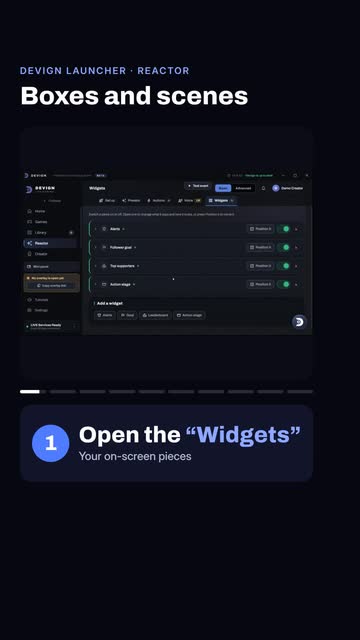
How to move overlay boxes and switch scenes in Reactor
Press Position on a widget such as Alerts and drag it, then use Advanced, Scenes, New scene to add a second scene. One link follows your scene, so you need no second source.
 0:26Step 7
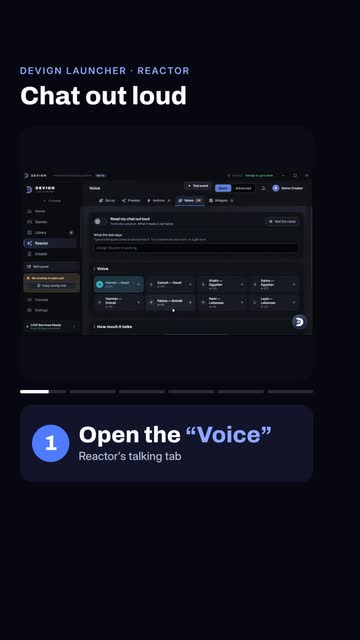
How to make Reactor read your TikTok LIVE chat out loud
Open the Voice tab, switch on Read my chat out loud and pick a voice from the cards. On stream, your overlay reads the chat aloud.
Related videos
Still stuck?
Tell us which step you reached and what you saw. We answer on WhatsApp and by email.