
Video tutorials
Devign Launcher video guides
Create your account, redeem your beta key, link TikTok, install and play a game, and choose what gifts, likes and follows do.
9 videos
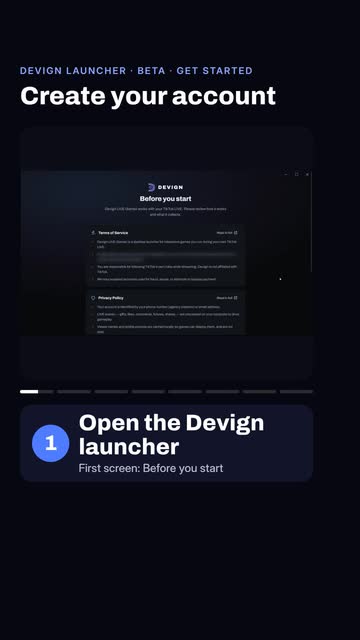 0:36Step 1
How to create a Devign account
Open the Devign launcher, accept the terms, choose Email sign-in, tap the new-user link, fill in your name, email and password, then press Create account.
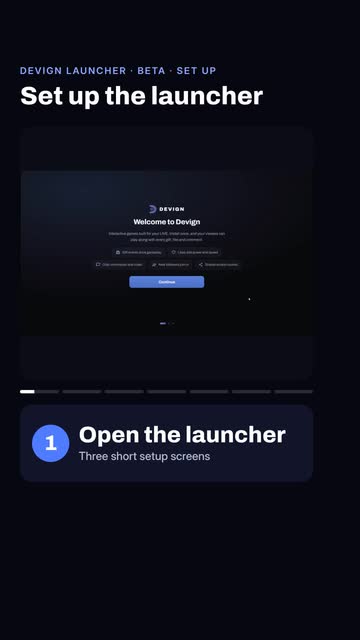 0:32Step 2
How to set up the Devign launcher after you sign in
After you sign in, the launcher shows three quick setup screens: press Continue twice, wait for the four checks to turn green, then press Finish to land on Home.
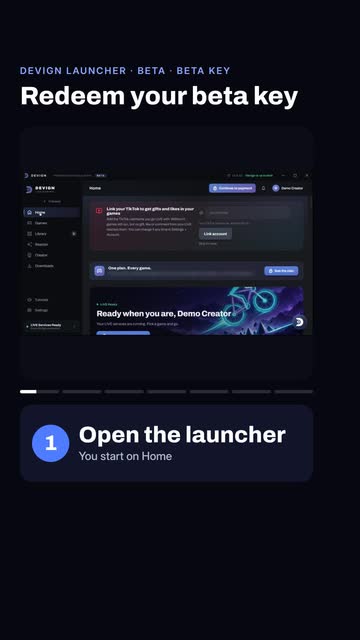 0:33Step 3
How to redeem your Devign beta key
In the launcher open Settings, then Billing, paste your key into the key box and press Redeem. Every game unlocks with a valid beta key.
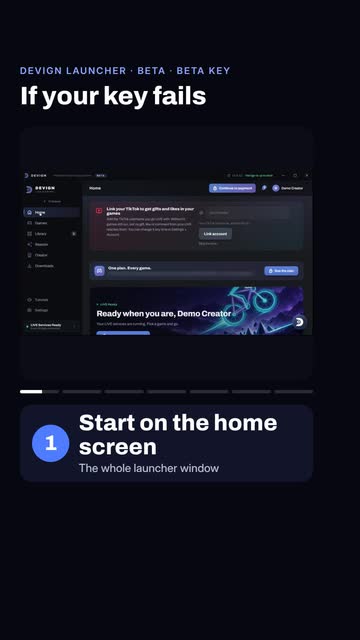 0:37Step 4
Beta key rejected? How to fix it
If the launcher rejects your key: check the spelling when it says not recognised, ask the sender for a new key when it says already used or expired, and wait an hour after too many attempts.
 0:27Step 5
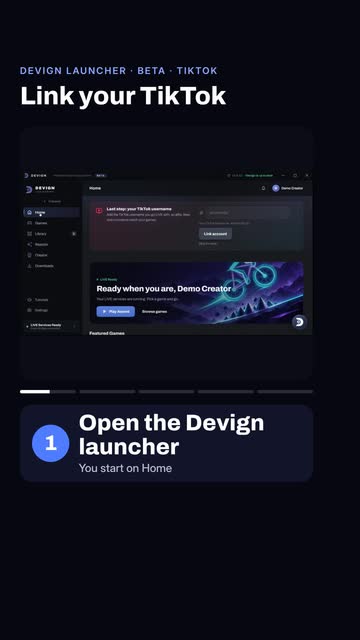
How to link your TikTok account to the Devign launcher
Open Settings in the launcher, type your TikTok name without the @ sign into the Account page box, and press Link account.
 0:33Step 6
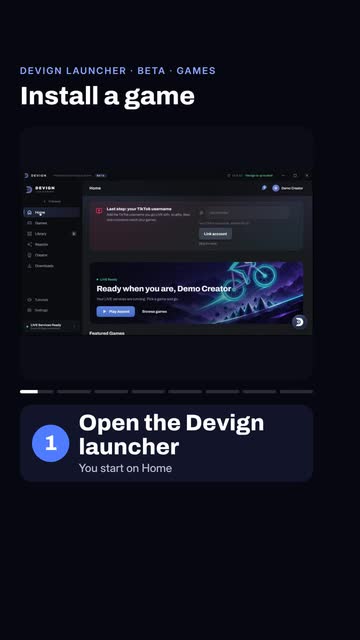
How to install a game in the Devign launcher
Press Games in the left menu, search for the game, open its page, press Install and confirm. The download takes about a minute, then the button changes to Play.
 0:26Step 7
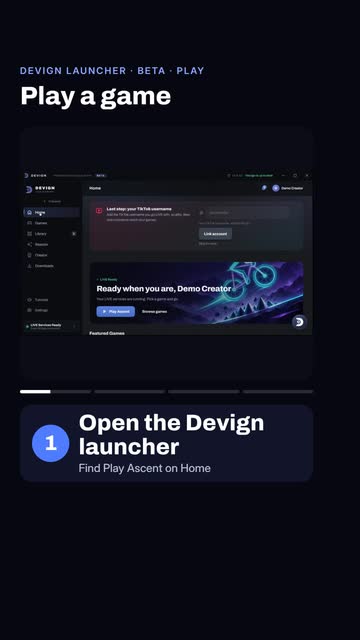
How to play a game from the Devign launcher
Press Play on an installed game, wait a few seconds for the game window to load, then press Play in the game menu. A missing TikTok link does not stop the game from running.
 0:31Step 8
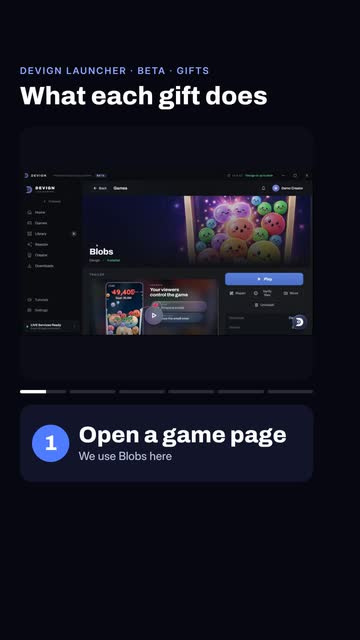
How to choose what each TikTok gift does in a game
Open a game page, scroll to Live events, open the Gifts list and use the small arrow beside a gift to set its strength from 1 (gentle) to 5 (strongest). The launcher saves it automatically.
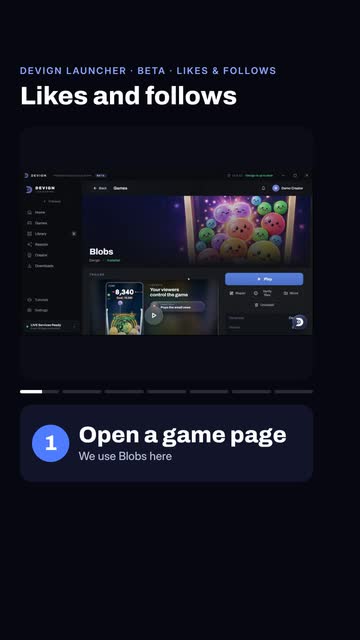 0:32Step 9
How to set likes and follows in a Devign game
On a game page, scroll to Live events: pick a Likes strength from 1 to 5, set the likes goal, then choose what a new follower does under Follows. Settings save automatically.
Related videos
Still stuck?
Tell us which step you reached and what you saw. We answer on WhatsApp and by email.